Free Event Management Software for Small Events: What to Know
IQvent AI Team6 min read
In this article
Yes, you can run a small event on free event management software. For a workshop, meetup, product preview or internal event, free tools can handle registration, QR passes and phone check-in well, as long as you pick one that lets you keep your data and will not cap you halfway through registrations.
The catch is that free means different things from different vendors. Some free plans are genuinely useful for small events; others are trials in disguise. This guide covers what you can realistically run for free, what to check before you commit, and the signs that it is time to pay for more.
Key takeaways
- Small events can run registration, QR passes and phone check-in without paying for software.
- Check who owns the guest data, and whether you can export it, before picking a free tool.
- Look closely at guest limits, vendor branding and what help you get on event day.
- Move to a paid setup when you need scanners, badge printing, a branded app or on-site help.
- IQvent AI is free for events with fewer than 150 guests; larger events are priced on quote.
What can you realistically run for free?
For a small event, the essentials are short:
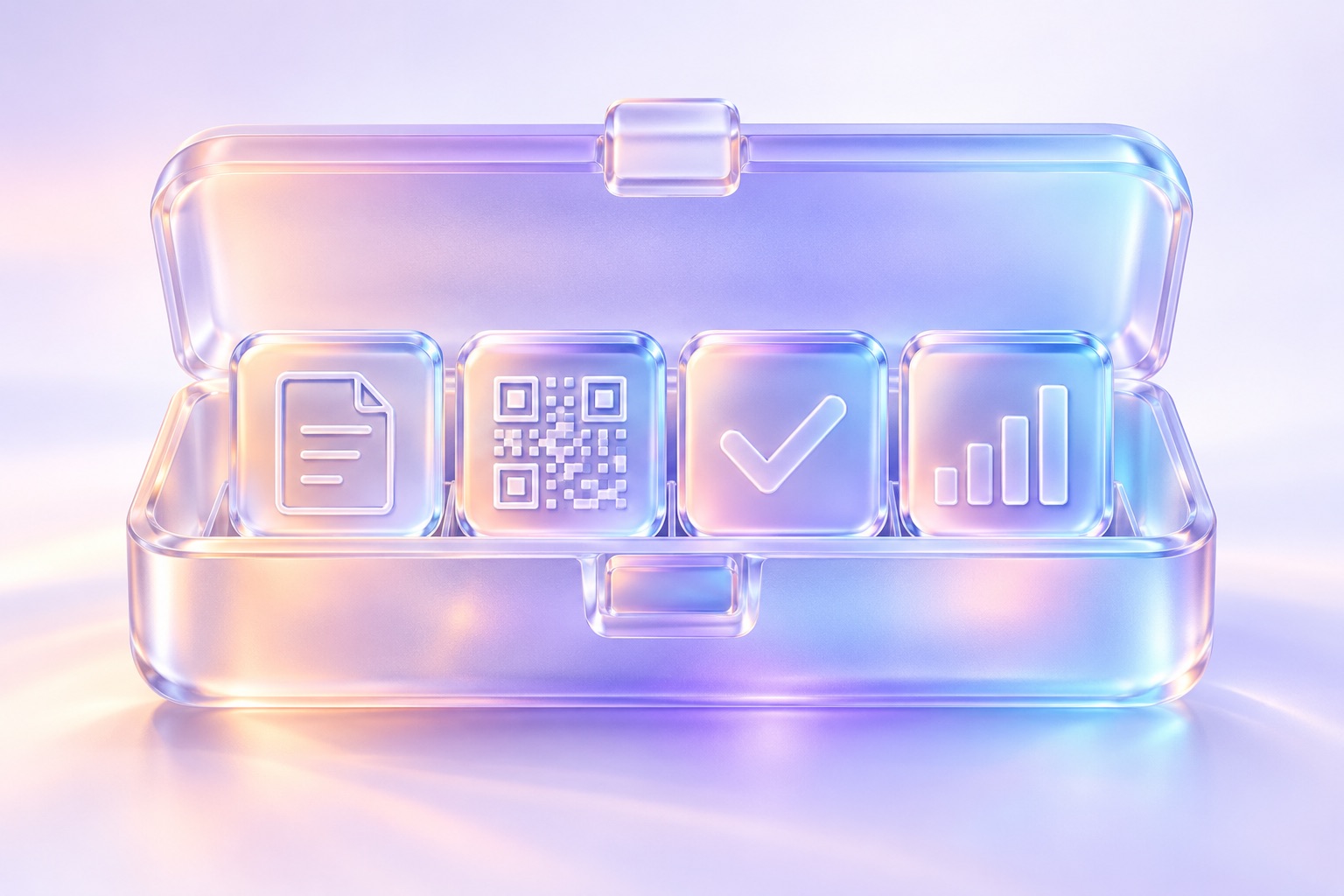
- Registration: a page where guests sign up, ideally in your branding and easy to fill in on a phone.
- Confirmation and passes: an automatic confirmation with a QR pass, so nobody is emailing guests one by one.
- Check-in: a free event check-in app on staff phones that scans passes and marks guests as arrived.
- A live guest list: who registered, who was approved and who has arrived, without a separate spreadsheet.
That is enough for most small events. Say you are hosting 120 guests for a product preview: one registration page, passes by email or WhatsApp, and a couple of staff with phones at the door will usually do the job.
What you generally will not get free is anything that costs a vendor real money to provide: dedicated scanners, badge printers, a fully branded attendee app or people on site. That is a fair line, and worth knowing before you plan around it.
It is also worth saying that a form tool, a spreadsheet and a printed list cost nothing too. For a few dozen guests you know personally, that can be fine. It starts to creak when you need approvals, passes, a quick door or an accurate arrival count.
What should you watch for with free event tools?
Free event registration software can save you a lot of effort. These are the things to check before you put your guest list into one.
Data ownership
Your guest list is yours. Check that you can export registrations and check-ins at any time, in a format you can open, without upgrading first. Read what the vendor says about how guest data is used and whether it is shared or marketed to. If the answer is unclear, treat that as your answer.
Guest limits
Every free plan has a limit somewhere: guests, events, form fields or messages. Find out exactly what counts towards the limit (registrations or attendees) and what happens if you cross it after registration opens. The worst time to discover a cap is the week your event fills up.
Branding
Many free tools show their own name on your registration page, emails and passes. For a community meetup that may not matter. For a client event or a product launch it can look careless, so check what guests will actually see.
Support
Free plans usually come with self-serve help articles and email. That is fine during set-up. On event day, when a device will not scan or a guest cannot find their pass, you need to solve it yourself. Plan for that: test everything in advance and keep a manual backup.
When should you move to a paid setup?
Free tools stop being the cheap option when they cost you time, guests or credibility. These are the usual signs.

- Your guest list grows past the free limit: the plan no longer covers you, or you are splitting one event across workarounds.
- The door gets busy: a large crowd arriving at once needs dedicated scanners rather than a few phones.
- You want badges: live badge printing at check-in, or pre-printed badges ready in advance.
- Guests need an app: a branded agenda, session reminders, polls, Q&A and announcements.
- Sponsors or exhibitors expect data: booth scans, session attendance and a live dashboard to report from.
- Your team is stretched: you would rather have experienced people running check-in on the day.
If none of these apply, stay free. Paying for features you will not use is not a better event.
A simple free setup for a small event
- Build the registration page. Ask only what you need, usually name, email, phone and one or two event questions.
- Decide on approvals. For invite-only events, approve guests before passes go out.
- Send passes by email and WhatsApp. Guests find WhatsApp messages more easily than email.
- Send a reminder the day before. Include the pass, the venue and the start time.
- Prepare the phones. Charge them, log staff in, and test scanning with the network off.
- Run the door and export the data. Keep one person free for problems, then download your arrivals list afterwards.
How IQvent AI's free plan works
IQvent AI is free for events with fewer than 150 guests. You set up a branded registration page with guest approvals, every guest gets a QR pass by email or WhatsApp, and on the free plan your staff check guests in with a phone. A branded registration page and live ticketing take an afternoon, with no developer needed. Check pricing to see exactly what each plan includes.
Events with 150 or more guests are priced on quote. That is because bigger events add things that cost real money to provide: dedicated hardware scanners, badge printing, the branded event app, photo delivery by face match and the PrismScale team on site. Because the mix varies from event to event, these are quoted per event; book a demo to talk it through. For more, read our event management software buyer's guide, our guide to registration pages guests finish and how QR code event check-in works.
Frequently asked questions
Is there free event management software for small events?
Yes. Several platforms offer free plans that cover registration, QR passes and phone check-in for small events. Before choosing one, check the guest limit, whether vendor branding appears on your pages, and whether you can export your guest data without upgrading.
What are the limits of free event registration software?
Free plans usually cap guests, events or messages, and many add the vendor's branding to your pages and emails. Support is often self-serve. Check exactly what counts towards the limit and what happens if you cross it after registration has opened.
Can I use a free event check-in app on my phone?
Yes. Many free plans let staff scan QR passes with an ordinary smartphone, which works well for small events. Charge phones fully, log each staff member in with their own account, and test whether scanning continues when the network drops.
When should I upgrade from a free event tool?
Upgrade when the free plan starts costing you time, guests or credibility. Common signs are a guest list beyond the free limit, a busy door that needs dedicated scanners, a need for badges or a branded app, and sponsors who expect attendance data.
Is IQvent AI free?
IQvent AI is free for events with fewer than 150 guests, with staff checking guests in on their phones. Events with 150 or more guests are priced on quote, because they add hardware scanners, badge printing, the branded event app, photo delivery and the PrismScale team on site.